
ISA Atmosphere Calculator
International Standard Atmosphere calculator implementing the full ISA model including troposphere, stratosphere, and mesosphere layers. Computes temperature, pressure, and density at any altitude up to 80km.
Project Details
Technologies
Python, Atmospheric Science
Category
Aerospace Engineering
Status
Completed
Institution
TU Delft
Key Features
- Full ISA model implementation up to 80km altitude
- Troposphere, stratosphere, and mesosphere calculations
- Temperature, pressure, and density computations
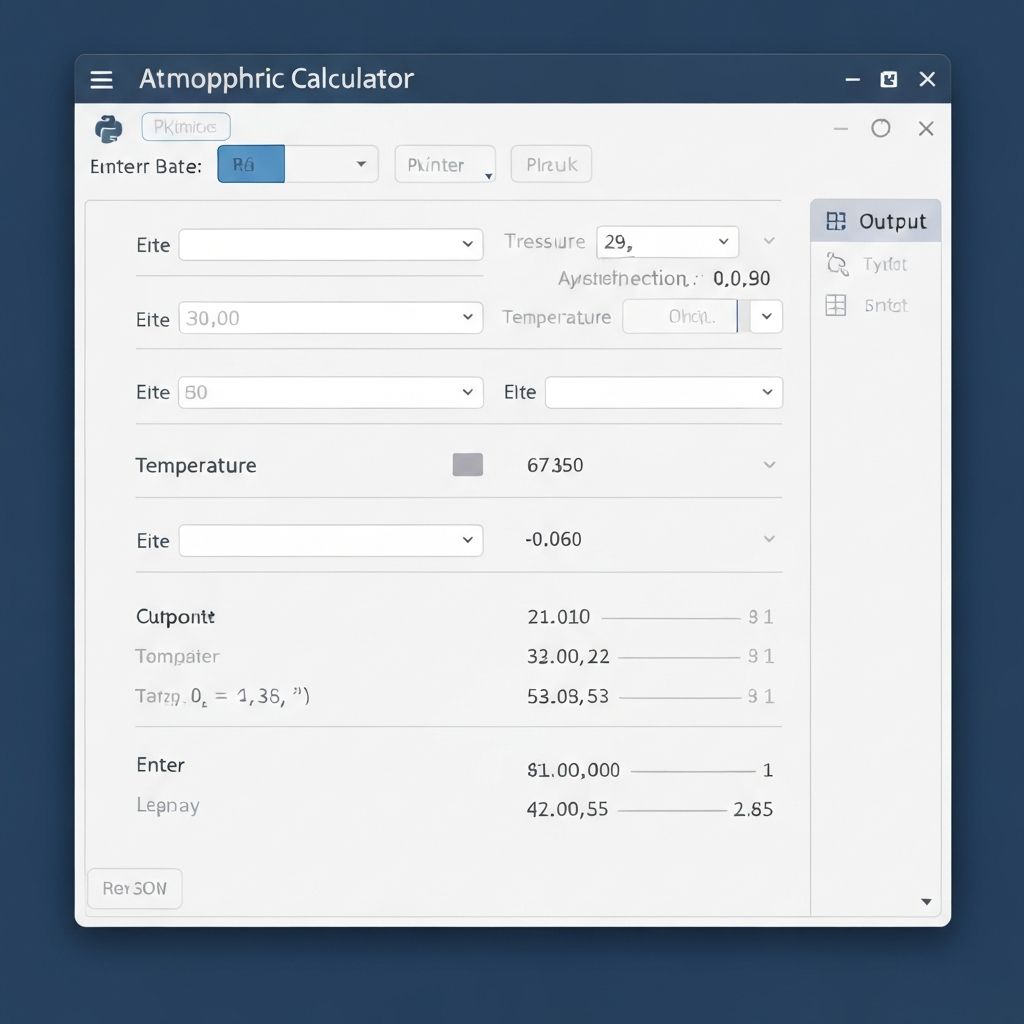
- Interactive parameter input and output display
Project Overview
The International Standard Atmosphere (ISA) Calculator was developed as a fundamental tool for aerospace calculations requiring accurate atmospheric properties. The ISA model provides a standardized reference for temperature, pressure, and density as functions of altitude, essential for aircraft performance analysis and flight planning.

While simple ISA calculators are readily available, this implementation extends beyond the troposphere to include accurate modeling through the stratosphere and into the mesosphere, covering altitudes up to 80 kilometers. This extended range is crucial for high-altitude balloon and sounding rocket applications.
The calculator also supports non-standard atmospheric conditions through temperature offset parameters, allowing users to model hot day or cold day conditions that significantly impact aircraft takeoff performance.
Mathematical Model

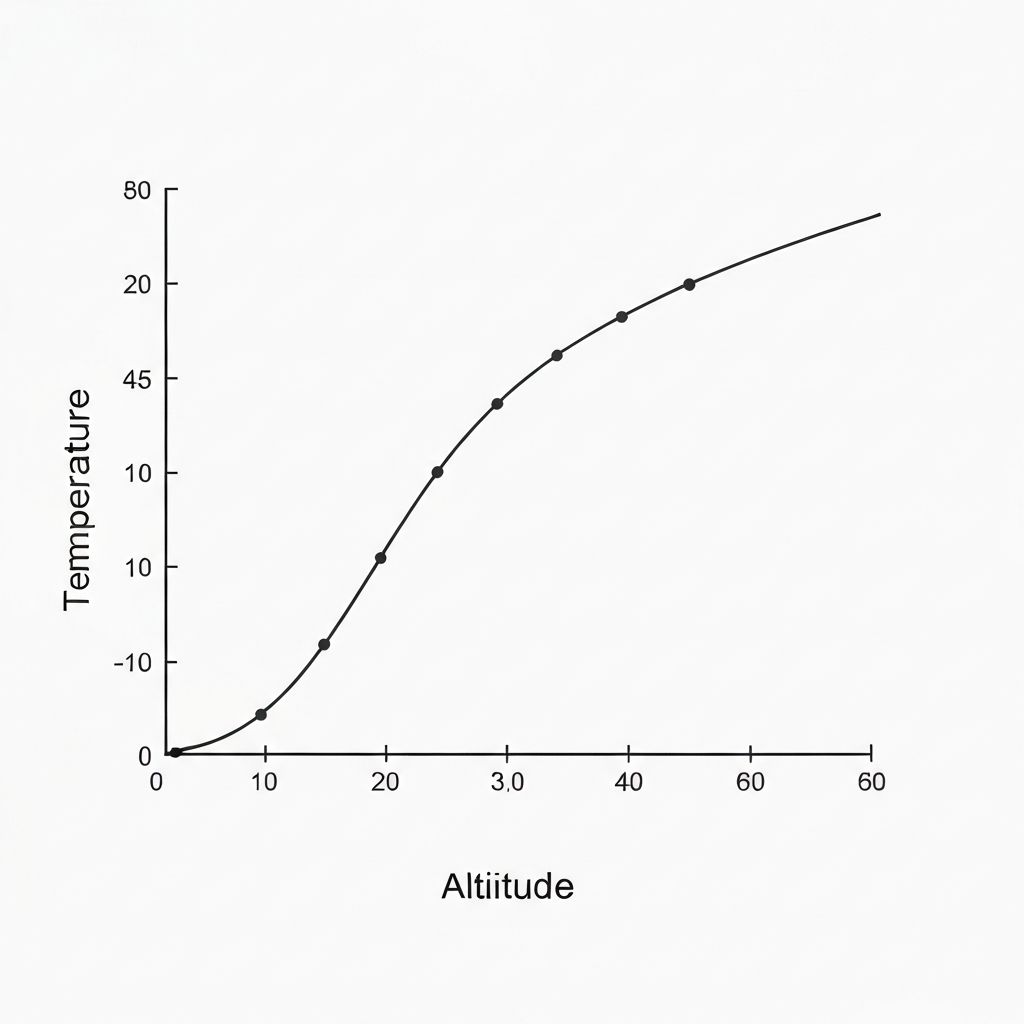
The ISA divides the atmosphere into layers, each characterized by a linear temperature gradient (lapse rate). In the troposphere, temperature decreases at 6.5 degrees per kilometer. The tropopause marks a transition to the stratosphere, where temperature remains constant before increasing in the upper stratosphere due to ozone absorption of solar radiation.
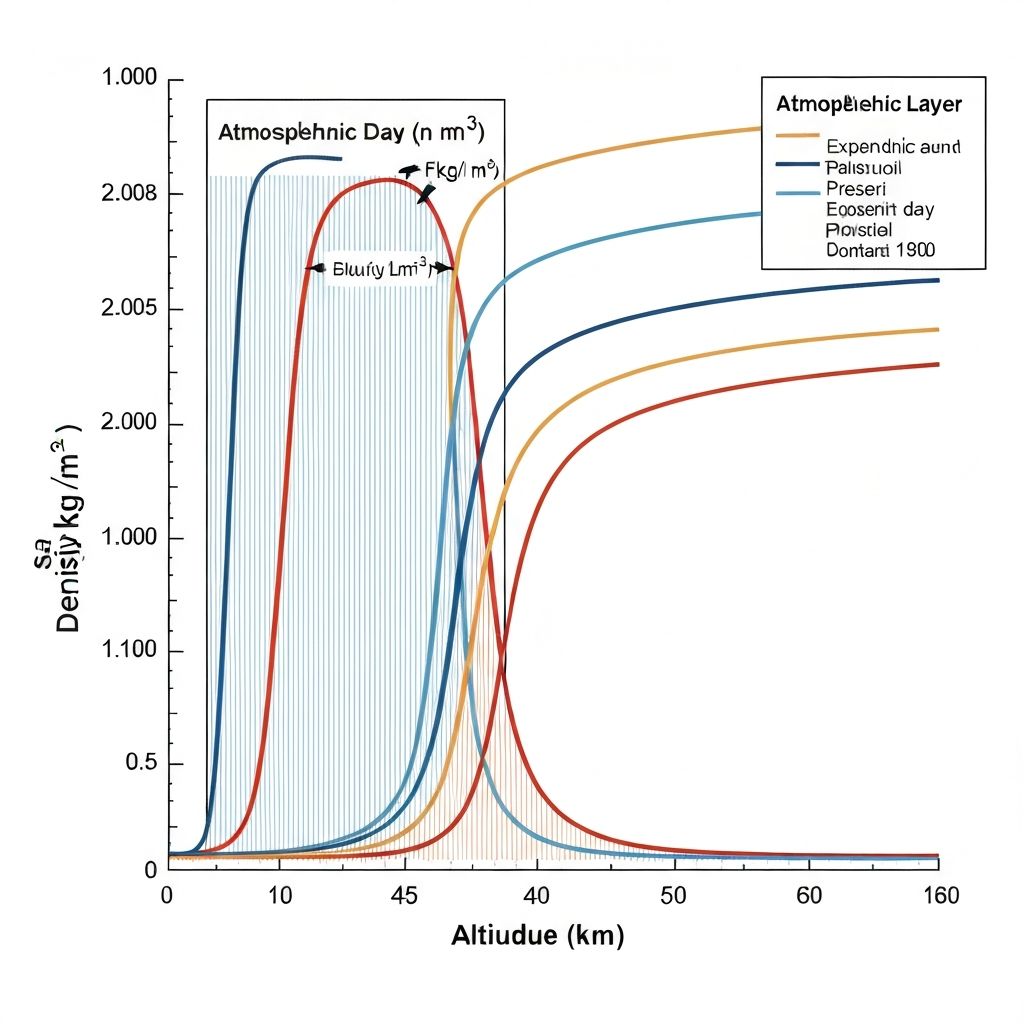
Pressure variation follows from the hydrostatic equation, with different analytical solutions depending on whether the layer has a constant temperature or a linear temperature gradient. Density is then computed from the ideal gas law using the local temperature and pressure values.
The implementation carefully handles layer boundaries, ensuring continuous property values across transitions. All constants and reference values follow the ICAO standard atmosphere definition.
Implementation Details
The Python implementation uses a class-based design with methods for computing each atmospheric property. Input validation ensures altitude values are within the valid range, and meaningful error messages guide users when inputs are out of bounds.

A command-line interface allows quick calculations for single altitudes, while batch processing mode generates tables of atmospheric properties over specified altitude ranges. Output can be formatted as CSV for import into spreadsheets or other analysis tools.
Visualization capabilities using Matplotlib generate plots of temperature, pressure, and density profiles, clearly showing the different atmospheric layers and their characteristics.
Applications and Usage
This calculator has become a foundational tool used across multiple projects, providing atmospheric data for trajectory simulations, aircraft performance calculations, and aerodynamic analysis. Its accuracy has been verified against published standard atmosphere tables with agreement to at least six significant figures.
The modular design allows easy integration into larger simulation frameworks, and the well-documented API enables other students to quickly incorporate atmospheric modeling into their own projects.